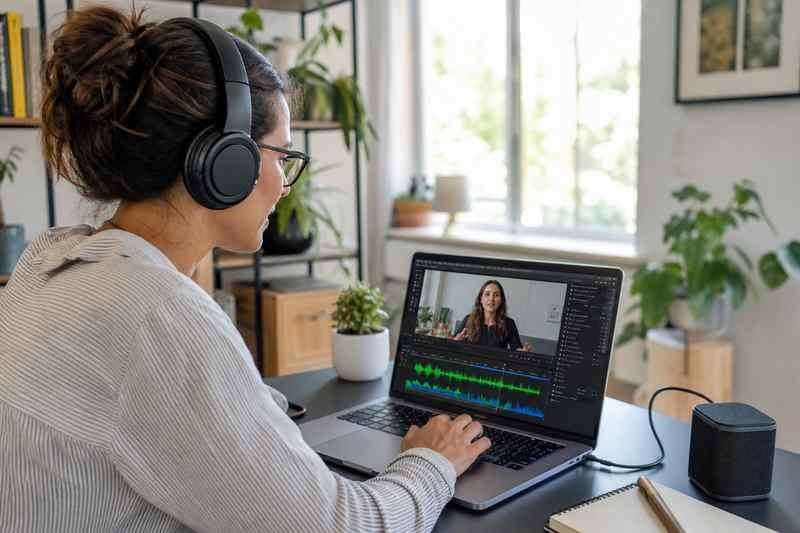

You have a talking-head MP4 and you need an MP3 for a podcast feed. You have a product demo and you want the voiceover in a timeline without the picture. You recorded a Zoom you hosted and the useful part is the conversation, not the gallery view.
Extracting audio is one of the simplest video jobs, and people still end up with silent files, the wrong track, or a 500MB WAV they cannot email. VideoDownloaderX and an audio extractor are for pulling sound out of a file you have the right to use.
This is how to do it without wrecking the voice.
You need the right to the audio
If the video is yours, the audio is yours, including a voiceover you recorded. If a licensed track sits under it, the extract still contains that track. Publishing the extract as a podcast can be a music-rights problem even if the video was allowed on a platform. When in doubt, extract for an edit, replace the music, then publish.
Do not extract audio from a film or a concert you do not own and call it a mixtape. That is not a format problem.
Extraction vs conversion
Extraction can copy the audio bitstream into a new container (AAC in M4A, for example) with no extra loss. Conversion to MP3 re-encodes. If the source is already AAC, M4A or keep-as-AAC is cleaner for archive. MP3 is for compatibility with old players and some podcast hosts that still prefer it.
If you need WAV for a DAW, you will get a large file. That is normal. Do not WAV a two-hour lecture unless you are editing. For listening, AAC or MP3 is enough.
Bitrate and voice
Speech is happy at lower bitrates than music. 64–96 kbps mono AAC can be fine for a voice memo. A music bed needs more. If you hear watery “underwater” artifacts, raise bitrate or stay in AAC instead of a tiny MP3.
Stereo vs mono: a single speaker in the center can be mono and half the size. Two-host podcasts in stereo should stay stereo if they were recorded that way.
Multiple tracks
Some files have commentary, an English bed, and an M&E track. Players show “audio 1 / audio 2.” Extract the track you mean. A tool that always grabs track 0 might give you silence or a director commentary you did not want.
Zoom and Meet recordings sometimes put each person on a channel. Listen before you publish. Normalize if one person is quiet, but do not crush dynamics until it sounds like a radio ad unless that is the product.
Sync and length
The audio file should last as long as the video. If it is 3 seconds shorter, the extract truncated. If it is longer, you may have pulled a stream that includes preroll. Open both and check the end.
If you will drop the audio back onto a new picture, keep the original sample rate (48 kHz is common in video). Converting to 44.1 kHz for a CD-era podcast host is fine; do it once, on purpose.
Noise and “fix it in extract”
Extraction does not remove an AC unit. If you need cleanup, that is a DAW or a dedicated denoise pass after extract. Do not expect VideoDownloaderX to turn a bad room into a studio. Get a better source if you can: original camera audio, not a compressed social download.
Naming and loudness
interview-audio.m4a plus a note of the video filename. Podcasts often want -16 LUFS or similar; that is a loudness pass after extract, not the extract itself. Do not confuse “file is quiet in the car” with a failed extract. The file may be fine and unnormalized.
Batch
A folder of lesson videos can become a folder of MP3s in one job if the tool allows batch. Check the first file fully before you run fifty. A wrong track setting will give you fifty wrong MP3s.
When video must stay
If the joke is visual, audio-only is a different product. Extract for accessibility transcripts, for a blog embed, or for a feed. Keep the MP4 as the main artifact when the pictures matter.
Interviews with two mics
If left is one person and right is the other, do not collapse to mono until you decide. A mono mix can bury the quieter guest. Normalize per side in a DAW, or keep stereo. Extraction is the wrong moment to “make it simple” if you have not listened on headphones.
Transcripts
Audio extract is the input for a transcript tool. A clean M4A transcribes better than a compressed social MP4. If you need a blog post from a talk, extract from the best file, then transcribe. Garbage audio in, invented words out.
Music beds and claims
If you will publish the extract, mute or replace claimed music first in the editor, then extract. Extracting a claimed YouTube public file can give you a muted or replaced bed. Your project file still has the intended mix if you used local music.
Sample rates and pitch
If you convert 48 kHz video audio to 44.1 kHz badly, some tools resample with artifacts. A decent extractor handles this. If the voice sounds chipmunked or slow, you mismatched rate and frame rate (a different bug, often from a bad convert of the parent video). Fix the video first, then extract.
Room tone
When you extract for an edit, a second of room tone at the end helps a mixer. A hard cut to digital silence is obvious. If the trimmer and extractor leave a clean tail, keep it. If not, pull a second of ambience from a pause in the middle.
Loud ads in the middle
A downloaded file of your own live might include a mid-roll if you grabbed the public watch page instead of Studio. Extract will include the ad. Use Studio. Ads in the podcast file are how you annoy subscribers and maybe violate a deal.
VideoDownloaderX can save your video, then extract the bed. Use it on files you own. Listen to the result. Pick a format the next app accepts. That is the whole skill. The rest is not turning a compressed Instagram story into a Billboard-ready master. Start from the best file, extract once, and you will have a podcast-sized asset that still sounds like you.
Podcast hosts and file caps
Some hosts still prefer MP3 under a size cap. A two-hour WAV will be rejected. Extract AAC, then transcode to MP3 at a speech-friendly bitrate. Listen to a minute of the MP3 in the car. If the sibilance is harsh, the bitrate is too low or the limiter in a later step is too hot.
Chapters in podcasts are not in the video file. You add those in the host. Extraction does not create chapters. A text file of timestamps from the video still helps.
Video as a backup of the show
Keep the MP4 even if the product is audio. Faces help you remember who spoke. VideoDownloaderX can store both. The extract is the feed. The video is the archive. If the extract is corrupt, you can extract again. If you deleted the video, you cannot.