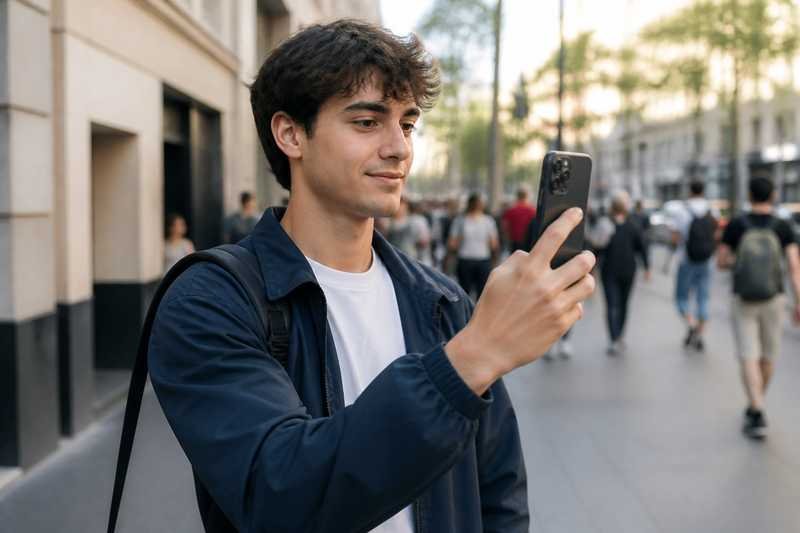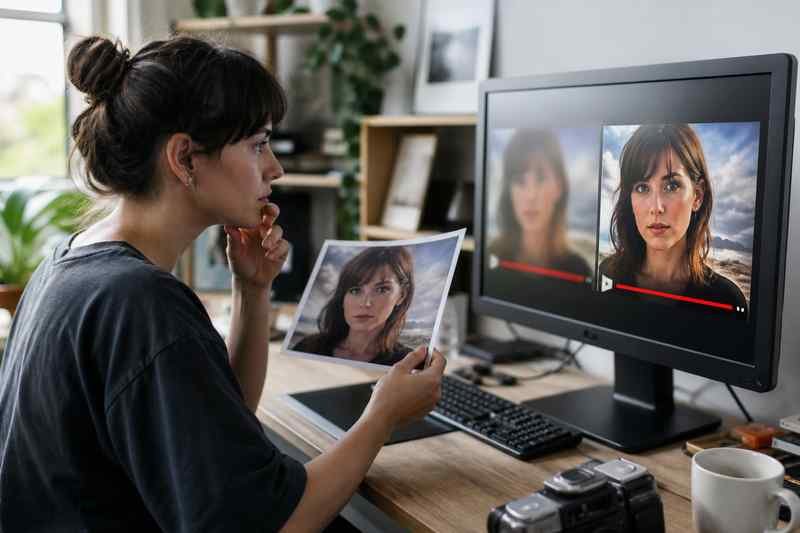

The video is fine. The thumbnail is a blurry face, a stretched 16:9 squeezed into a square, or a frame from the title card that says nothing. Platforms compress thumbnails hard. What looks sharp in Photoshop looks like a meme after upload.
A thumbnail is a tiny billboard. VideoDownloaderX will not replace design skill, but a grab from the right frame plus a simple export recipe will beat a random auto-frame.
This is how to make thumbnails that survive compression and still read on a phone.
Size and safe area
YouTube’s recommended thumbnail is 1280×720 (16:9). Instagram and TikTok use different crops. Design in the native ratio of the destination, then crop. A 16:9 image center-cropped to 9:16 will cut off the sides. Put the face and the words in the center third if the same file must flex, or make two thumbnails.
Text must be huge. If you cannot read it on a phone with one eye closed, it is too small. After compression, thin fonts disappear. Use thick sans-serif, high contrast, few words.
Do not screenshot a compressed player
A screenshot of a 480p embed is already mush. Grab a frame from the original file or a high-quality download of your own video. VideoDownloaderX can get you that file. Then export a still from a player at full resolution, or use an editor’s frame export.
If you must screenshot, full screen, highest quality, no UI chrome. Crop the controls out.
Faces and contrast
Platforms crush detail in shadows. A dark thumbnail becomes a blob. Add a slight lift, a rim light look, or a solid shape behind the head. One face beats three. Eyes toward the camera help on YouTube. That is not science fiction; it is how small images read.
Avoid busy backgrounds. Compression loves to smear patterns. A simple backdrop survives.
File format for the still
JPEG at high quality is normal for 1280×720. PNG is larger and not always sharper after the platform recodes to JPEG anyway. Do not upload a 4000-pixel PNG thinking it will stay lossless. The platform will squash it.
sRGB color. Wide-gamut screenshots can look dull or neon after upload.
Words that still exist after upload
Three to five words. Repeat the promise, not the channel name (the avatar already has that). All caps can work at thumbnail size; long sentences do not. Check YouTube’s policies on extra metadata in images; misleading thumbnails get punished.
If you localize, do not leave English words on a Spanish video thumbnail unless that is the joke.
Consistency
A series should share a layout: color block, face position, episode number. People learn your grid. Random thumbnails look like a different channel every time.
Extracting a frame without a full editor
VLC can take snapshots. An online tool can grab a frame from a file you own. Export PNG or high JPEG, then add text in a simple editor. Do not add text in a 320-pixel-wide canvas and upscale.
Test on a phone
Upload to a private or unlisted post if you can, or drop the JPEG into a chat and look at it. Desktop preview lies. The home screen is the real test.
When the best frame is not a good thumbnail
The peak action might be motion blur. Pick a nearby sharp frame. The “real” moment can be 8 frames later. Thumbnail is a poster, not a documentary still.
VideoDownloaderX gets you a clean source. A sharp thumbnail is a still from that source, designed for a tiny, compressed tile. Treat it like a product shot. If the tile is ugly, the video can be excellent and still skipped. Spend ten minutes on the frame and the three words. That is the whole job.
A/B is not a personality
YouTube lets you test thumbnails. Change one thing: the face, or the three words, not both. If you change everything, you learn nothing. Download your own video with VideoDownloaderX if you need a clean still you no longer have in the editor. Then make two thumbnails from the same sharp frame.
Clickbait that backfires
A shocked face and a lie in the text get clicks once and trust never. Platforms also punish misleading images. The thumbnail should be a true, stronger version of the video, not a different video. If the video is a calm tutorial, a calm, readable thumbnail outperforms a red-arrow conspiracy in the long run.
Brand kit
One accent color, one font, one logo position. Export a template. Thursday-you will not redesign from scratch. Compression will still eat detail, so the template should already use thick shapes.
Dark mode feeds
Some apps show your thumb on a dark background. A dark thumbnail disappears. A thin border or a light shape behind the face helps. Check the thumb on a dark wallpaper, not only in a white design file.
Faces in 9:16 covers
A YouTube 16:9 thumb cropped to a Short cover will cut ears off. Make a vertical cover from a vertical frame. VideoDownloaderX backups of your Shorts are already 9:16; grab a still from those when the project is gone.
Spend ten minutes. The algorithm is not a substitute for a readable JPEG from a real frame of your real video.
Export from the editor, not from the website
The sharpest still is a frame export from Premiere, CapCut, or even VLC snapshot at full resolution from your master file. A thumbnail sliced from a VideoDownloaderX CDN copy is already compressed. Use the CDN copy only when the project is gone.
If you use Photoshop, design at 1280×720, 72 or 150 ppi does not matter as much as pixel dimensions. Export JPEG quality 8-10. Check file size; YouTube will recompress anyway. A 2MB JPEG is fine. A 20MB PNG is wasted.
Contrast on cheap phones
Many viewers use low-brightness phones outdoors. A low-contrast cinematic grade disappears. Add a simple backing shape behind text. If the thumb is unreadable in full sun, it is unreadable in the feed.
Series numbers
Episode 12 in a tiny font becomes a smudge. Make the number a large block. People hunt the next episode with their eyes, not with OCR.
A thumbnail is a tiny billboard. VideoDownloaderX can get you a clean source frame when that is all you have. Design for the phone tile, not for your 27-inch monitor.
Common thumbnail failures
A screenshot of the YouTube player with the red progress bar still in the image. A face so small you cannot tell who it is. Text that is a full sentence. A 9:16 image letterboxed into 16:9 with black bars. A logo bigger than the face. All of these fail after compression. Grab a full-resolution frame, put one face large, three words max, contrast behind the words, export 1280×720 JPEG. Look at it on a phone. If you squint and it still reads, you are done.
Before you upload, one last look
Put the JPEG next to a competitor’s thumb on a phone. If yours looks softer or busier, simplify. Delete a decoration. Enlarge the face. Recheck. Then upload. VideoDownloaderX helped if you needed a frame from a posted video. The design pass is still on you. Sharp in the editor and sharp in the feed are different. The feed is the one that counts.